Documentation · Overview
codev
Where humans and agents build on Salesforce together
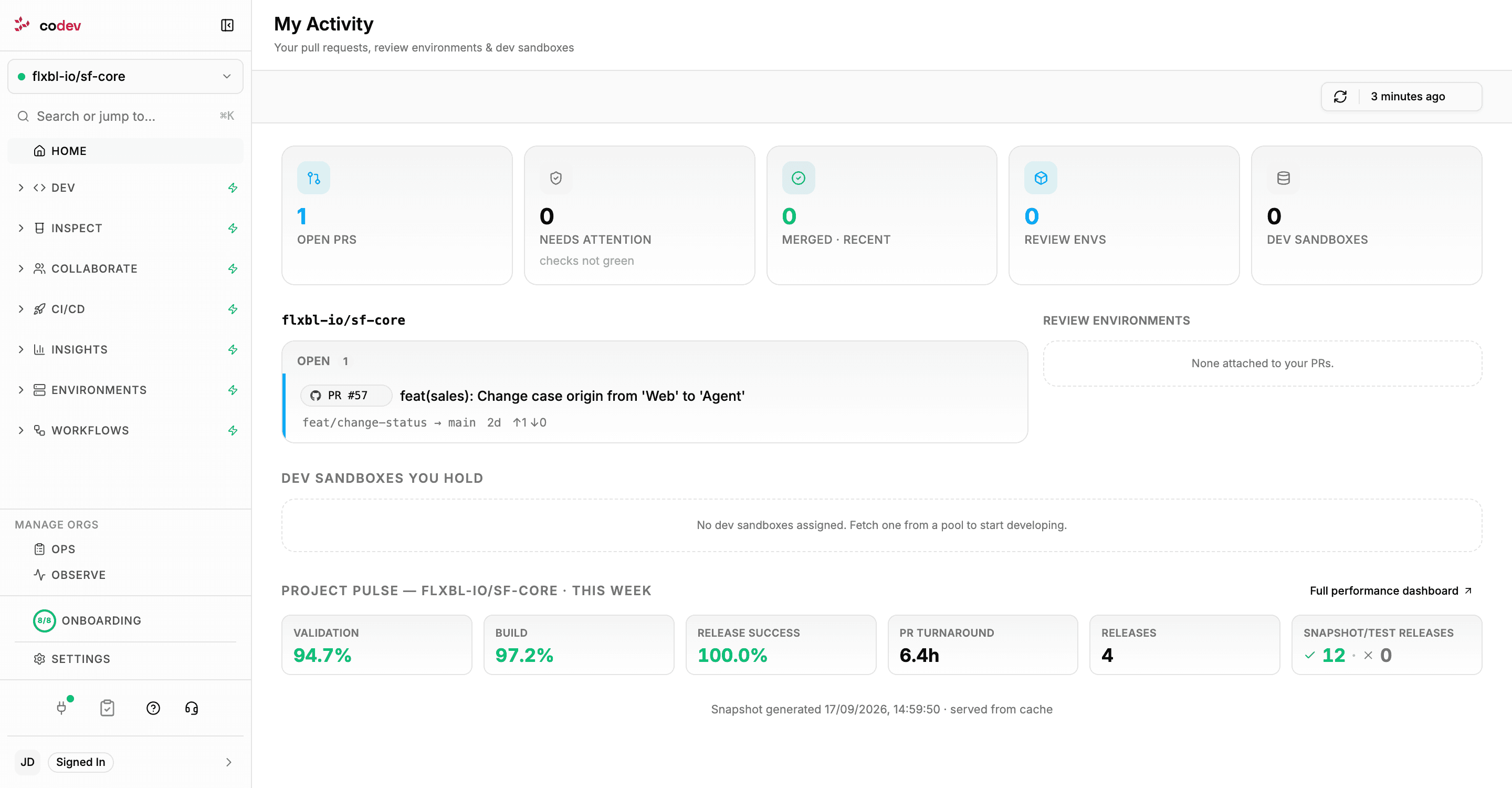
codev is a collaborative development stack for Salesforce. It brings together everything your team needs to develop, validate, release, and operate Salesforce projects — available as a desktop app and a web app.
codev is organized into modular feature areas that can each be activated independently. Use what you need, skip what you don't.
| Feature | What it does |
|---|---|
| CI/CD | Automate your delivery pipeline. Build packages on merge, promote release candidates, manage releases across environments, and track deployment performance |
| Pools | Provision and manage pools of sandboxes and scratch orgs. Define pool configurations, assign environments to developers, and monitor pool health |
| Inspect | Validate before you ship. Run code analysis, test your Apex, validate changes against target orgs, and manage review environments |
| Ops | Day-to-day operations. Manage sandbox environments, control user access, install packages, run tests, and handle branch syncing |
| Insights | See the bigger picture. Visualize how your packages and domains evolve over time and measure delivery performance |
| Observe | Monitor your orgs. Track resource limits, errors across environments, and spot issues before they impact your team |
| Dev | Your development home base. Browse workspaces, explore org metadata, pull and push changes, sync with Git, and manage packages |
| Collaborate | Stay in sync with your team. Track pull requests, follow live workspace activity, and keep everyone aligned through a shared activity timeline |
Available as
| Platform | Access |
|---|---|
| Desktop app | Electron app for macOS, Windows, and Linux. Download from get-codev.flxbl.io |
| Web app | Accessible at your organization's codev URL (e.g., https://<your-tenant>.flxbl.io for cloud, or your self-hosted domain) |
Getting started
- Connect to sfp server — codev requires a running sfp server instance connected to your repositories.
- Add your project — connect your Salesforce repository via Settings > Projects.
- Activate features — choose the feature areas you need from the onboarding page. Each lists its own prerequisites and can be set up independently.
Each feature section starts with its own getting started guide. The CI/CD guide also explains the shared concepts — the Dev Hub, the SFDX auth URL, and the GitHub App: