Available IssueOps
sfops provides 14 pre-built IssueOps operations organized into categories. These can be used immediately or serve as reference implementations for custom IssueOps.
Access Management
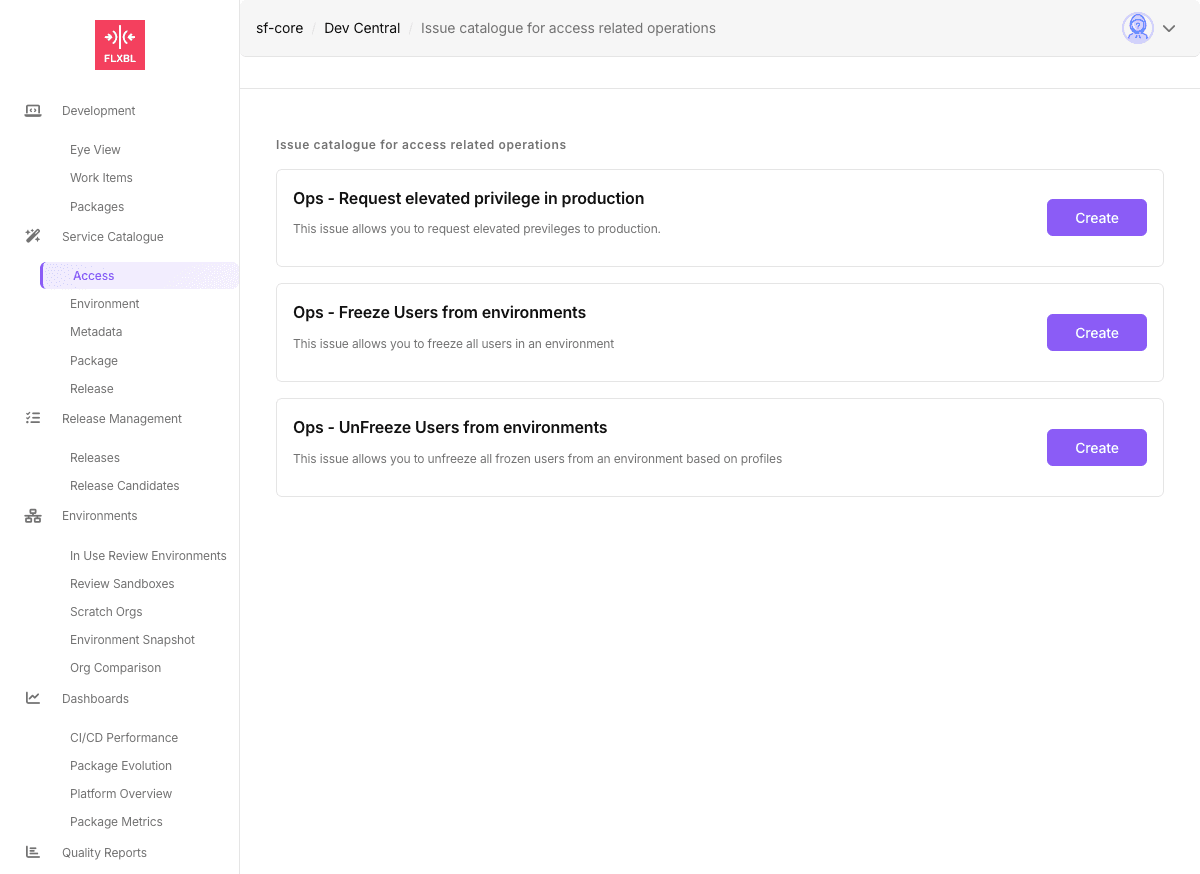
| Operation | Issue ID | Description |
|---|---|---|
| Request Elevated Privileges | request-elevated-previleges | Grant temporary elevated access to production environments with automatic de-escalation |
| Freeze Users | request-freeze-users | Freeze users by profile in specified environments |
| Unfreeze Users | request-unfreeze-users | Unfreeze previously frozen users based on profiles |
Environment Management
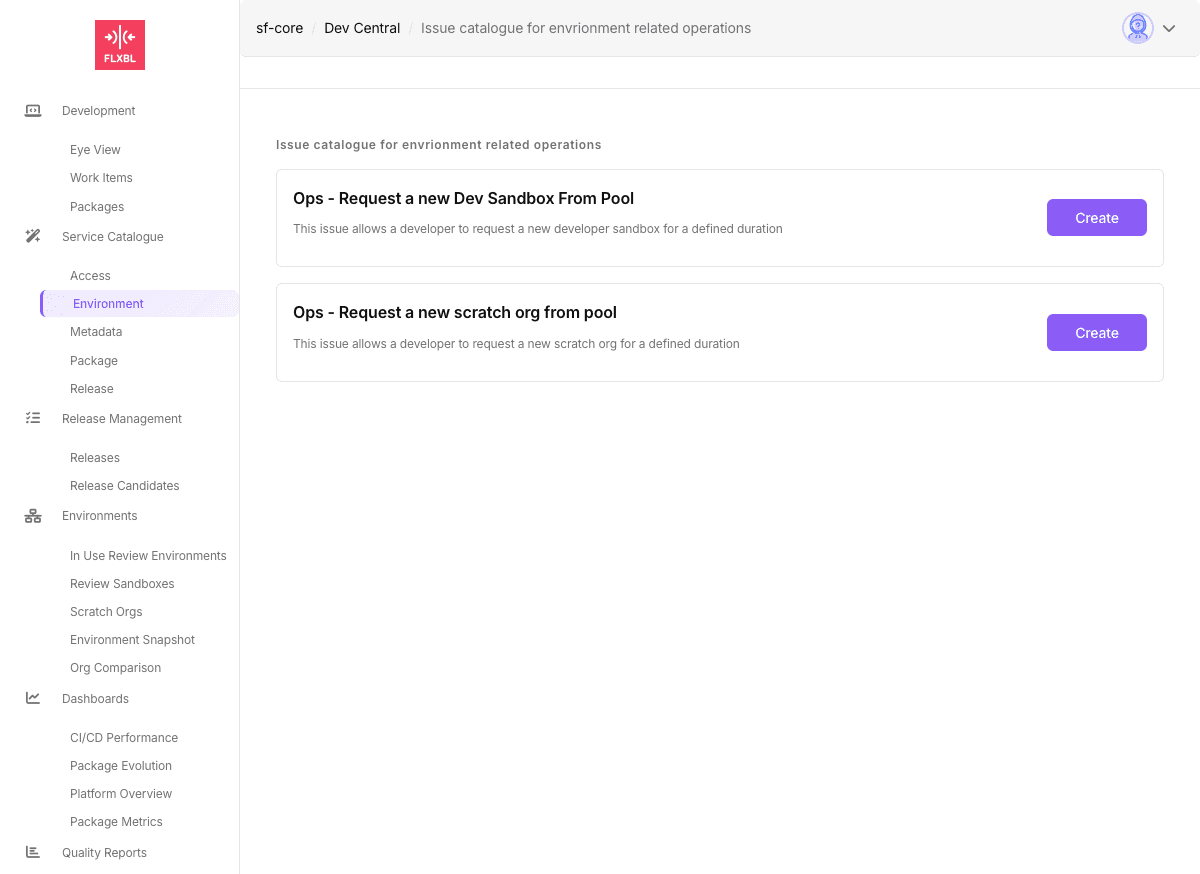
| Operation | Issue ID | Description |
|---|---|---|
| Request Scratch Org | request-scratchorg | Get a scratch org from pool for specified duration |
| Request Dev Sandbox | request-dev-sandbox | Provision a developer sandbox from pool or create new |
| Request GitHub Environment | request-an-env | Create GitHub environment with variables and approvals |
| Delete Environment | request-delete-env | Remove GitHub environment |
| Request from SBX Pool | request-sbx-pool | Get sandbox from SFP Server pool |
| Unassign from SBX Pool | unassign-sbx-pool | Return sandbox to pool |
Package Management
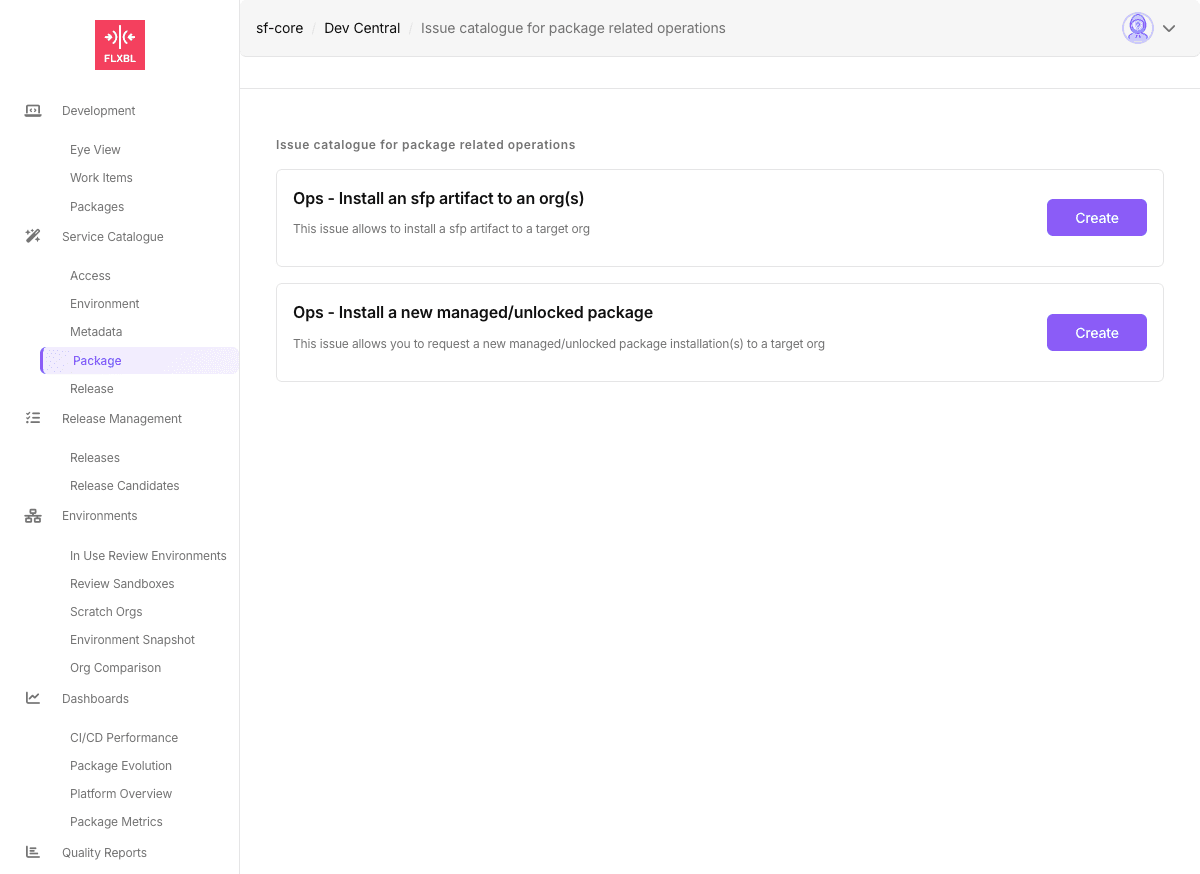
| Operation | Issue ID | Description |
|---|---|---|
| Install sfp Artifact | request-an-artifact-installation | Deploy built sfp artifacts to target orgs |
| Install Package | request-package-installation | Install managed/unlocked packages using version IDs |
Release Management
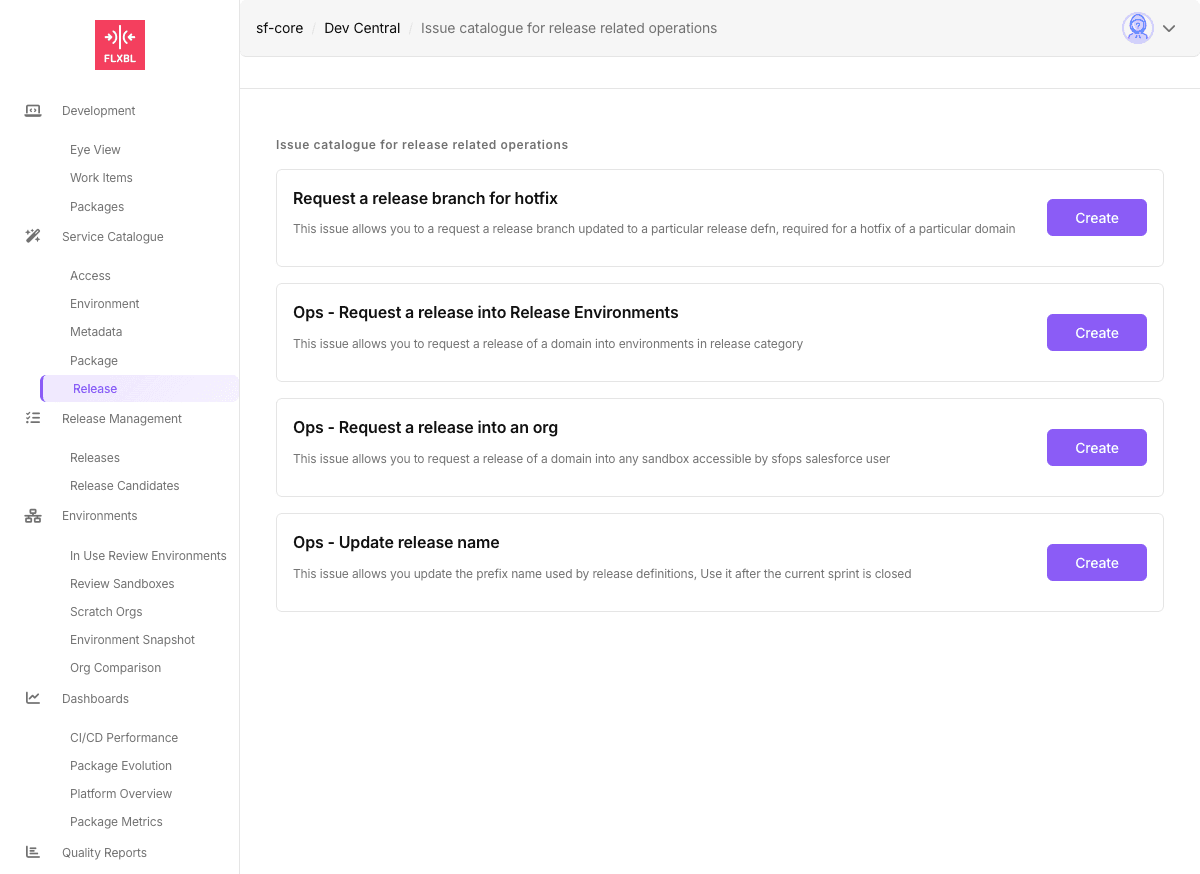
| Operation | Issue ID | Description |
|---|---|---|
| Request Release Branch | request-a-release-branch | Create patch release branch for hotfixes |
| Release to Environments | request-a-release | Deploy release to environments in release category |
| Update Release Name | update-release-name | Update release definition prefix after sprint |
Using Available IssueOps
These IssueOps are enabled by default in sfops. No configuration required.
1. Submit Request
Users can submit requests through:
- DevCentral: Navigate to Service Catalogue and use the forms
- Direct Issue: Create an issue with JSON payload in HTML comment:
Title: Need a scratch org for development

<!--
{
  "id": "request-scratchorg",
  "tag": "dev",
  "daysToKeep": 7,
  "email": "developer@company.com"
}
-->
2. Monitor Processing
The IssueOps executor will:
- Post processing status as comments
- Execute the operation
- Provide results or error details
- Close issue when complete
Configuration Requirements
Core Secrets
# Authentication
DEVHUB_SFDX_AUTH_URL     # For scratch org operations
PROD_SFDX_AUTH_URL       # For production operations

# GitHub App
SFOPSBOT_APP_ID          # GitHub App ID
SFOPSBOT_APP_PRIVATE_KEY # GitHub App private key

# Optional: SFP Server
SFP_SERVER_URL           # For sandbox pool operations
SFP_SERVER_TOKEN         # SFP Server API token
Required Files
Some IssueOps require configuration files in DevCentral:
scratchOrgStatus.json- Scratch org pool configurationenvInfos.json- Environment informationbranches.json- Available branchesdomains.json- Domain configuration
Customizing Forms
Create user-friendly forms in DevCentral _forms directory:
name: Request Scratch Org
description: Get a scratch org for development
title: "[OPS] Scratch Org Request"
labels: ["ops", "scratch-org"]
body:
  - type: dropdown
    id: tag
    attributes:
      label: Pool Tag
      description: Select the type of scratch org
      options:
        - dev
        - test
        - integration
    validations:
      required: true

  - type: input
    id: email
    attributes:
      label: Email
      description: Your email address
      placeholder: developer@company.com
    validations:
      required: true

  - type: dropdown
    id: daysToKeep
    attributes:
      label: Duration
      description: How long to keep the org
      options:
        - 1
        - 3
        - 7
        - 14
        - 30
    validations:
      required: true
Next Steps
- Build Custom IssueOps - Create your own operations
- Configure DevCentral Forms - Design user interfaces
- Setup Workflows - Configure automation