Projects
A project maps a repository into codev — everything codev tracks is scoped to a project, while orgs, teams, and Operations live at the instance level.
A codev instance hosts one or more projects, and a project maps to a repository, connected through your source control integration. The instance's projects are managed in Settings > Projects, and the project selector switches your workspace between them.
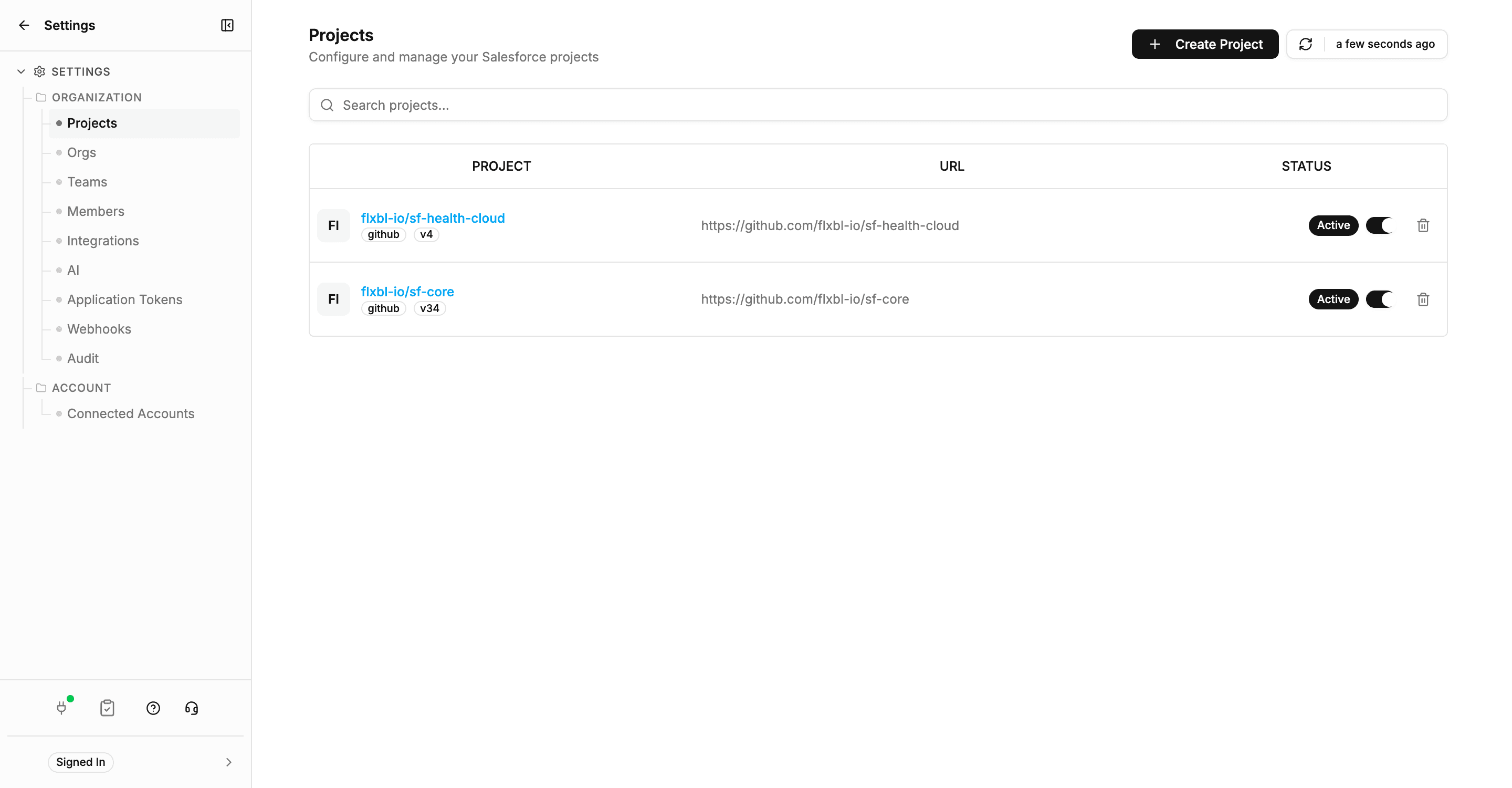
Everything codev tracks is scoped to the project: its branches, the domains its release configurations define, the builds, release candidates, and releases that move through it, and its environments. Because codev is repository-first, the project's repository — not any org — is the source of truth for what the project delivers. What the repository does not declare, codev does not manage; the repository may cover all of an org or only part of it — see The repository and the org.
Three things live outside projects, at the instance level, shared across all of them: the orgs the instance registers, the teams and members who work in it, and Operations — org administration, which acts on orgs rather than on any one project.
Creating and onboarding a project: Getting started.
How codev ships changes
The delivery model behind every codev screen — domains, packages, artifacts, and the lifecycle a change moves through from merge to release.
Domains
Domains group packages into independently releasable units, defined by release configuration files — the unit codev's builds, candidates, and releases are organised around.