Tracking additional branches
Tracked branches are the branches codev watches for merges and pull requests. Tracking a long-lived branch extends builds, release candidates, preflight, and code analysis to it.
A tracked branch is a branch codev watches for merges and pull requests. Everything codev automates for your trunk — building merged changes, producing release candidates, running preflight on pull requests, analysing code — applies to a branch only once codev is tracking it.
Every project tracks main by default. You track additional branches when you have long-lived branches — release branches, or a branch that a parallel effort lives on — that need the same automation as trunk.
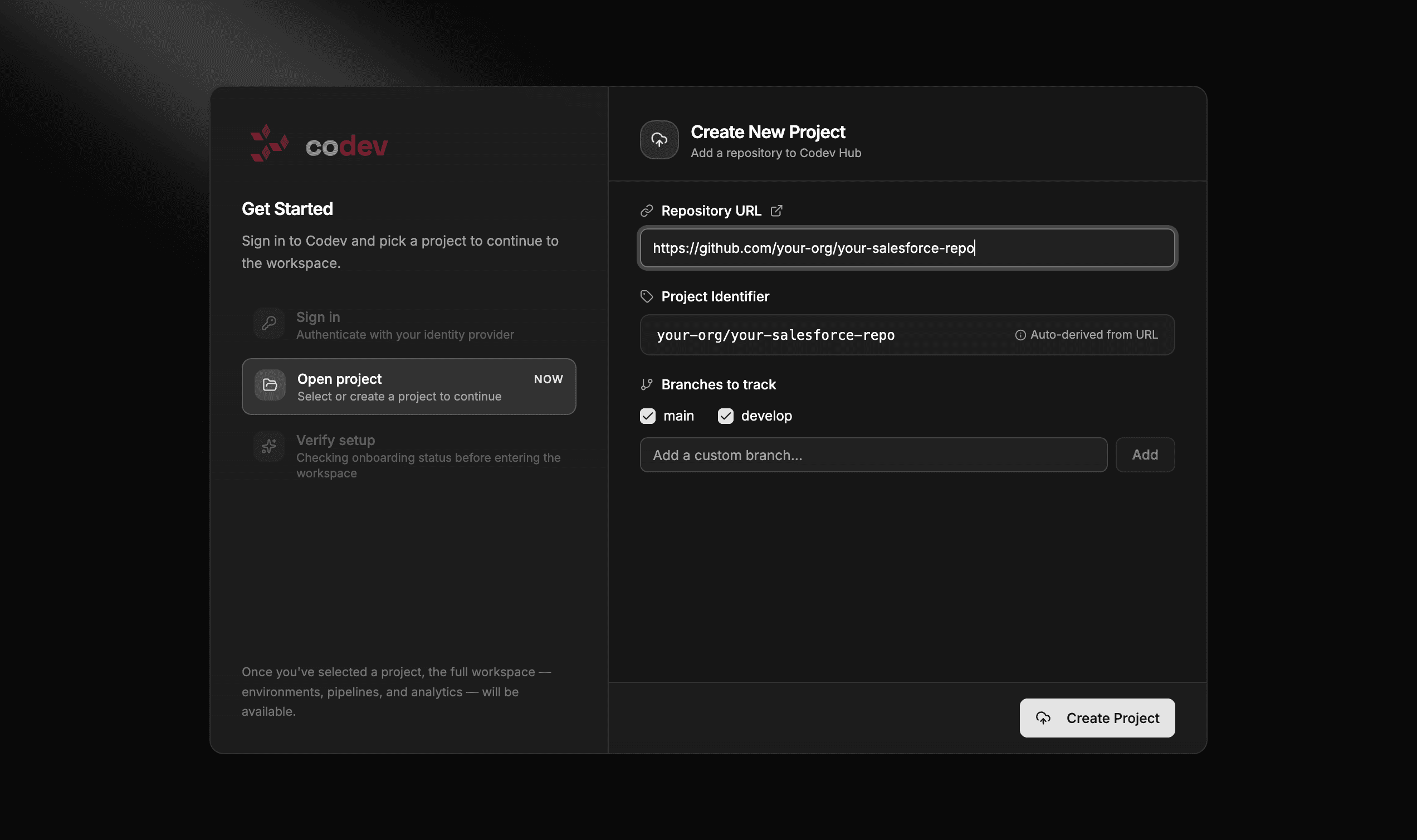
main, plus any long-lived release branches.What tracking a branch does
Once codev tracks a branch, that branch takes part in the normal pipeline:
| Area | On a tracked branch |
|---|---|
| Builds | A merge builds the affected packages and deploys them to the environments that track the branch, then rolls them into a release candidate. |
| Release candidates | The branch gets its own candidates, shown under its own tab on the Release Candidates page. |
| Preflight | codev runs preflight for the branch, so pull requests targeting it are analysed. |
| Code analysis | Scheduled code analysis covers every tracked branch, not just main. |
| Changesets | A changeset pull request can only target a tracked branch. |
An untracked branch is inert to codev — merges and pull requests on it do not build, produce candidates, or run analysis.
Choosing branches to track
You pick the branches to track when you set up the project, under Branches to track — typically main plus any long-lived release branches. See Getting started for the full project-setup flow.
Tracking another branch later
You do not have to decide every branch up front. To start tracking a branch after setup, open Settings > Projects, select the project, and add the branch to its tracked branches. Only project owners can change project settings.
codev then runs preflight for the new branch and starts including it in scheduled code analysis; from that point the branch behaves like any other tracked branch — merges build, produce candidates, and deploy to the environments that track it.
Track branches deliberately. Every tracked branch adds build, candidate, and analysis work, and keeps accumulating integration cost for as long as it lives. Track the long-lived branches you actually operate — trunk plus release branches — not every branch in the repository.
Tracked branches and branch operations
Tracked branches are the foundation the other branch operations build on:
- Cascades connect two or more long-lived tracked branches and automate the integration between them.
- Cherry-to delivers a pull request's change onto another branch — usually a tracked release or staging branch, so the delivery merges and builds like any other change there.
- Unbundle rebuilds a release candidate on a tracked branch without a change you remove.
Related
- Getting started — choosing branches to track during project setup
- Cascades — automate integration between long-lived branches
- Release candidates — the candidates a tracked branch produces
- Environments — how an environment tracks a branch to receive its builds