Approvals
How codev pauses a release for approval, where approvals appear, and how to approve or reject them.
Some actions in codev do not run the moment you request them. A release to a shared environment, a rollback, and a handful of other sensitive operations pause at an approval gate — codev suspends the work, records a pending approval, and waits for an authorized person to approve or reject it. Nothing is deployed until someone does.
This page covers what an approval gate is, where approvals appear, and how to resolve one. To decide which environments require approval and who may approve, see Configuring approval gates. To gate a release on a ServiceNow change request instead of (or in addition to) a person, see ServiceNow release gating.
What is gated
An approval gate is inserted into an action before it makes any change. The following actions pause for approval:
- Releasing a release candidate to an environment — each target environment has its own approval.
- Rolling back a release to an earlier one.
- Unbundling a release candidate.
- Syncing a pull request to a shared environment — codev posts the approval request on the pull request.
- Sandbox operations — creating, deleting, or refreshing a sandbox.
- Requesting elevated access for a user in a production org.
A release that targets three environments produces three separate approvals. Approving the deployment to staging does not approve the one to production.
Where approvals appear
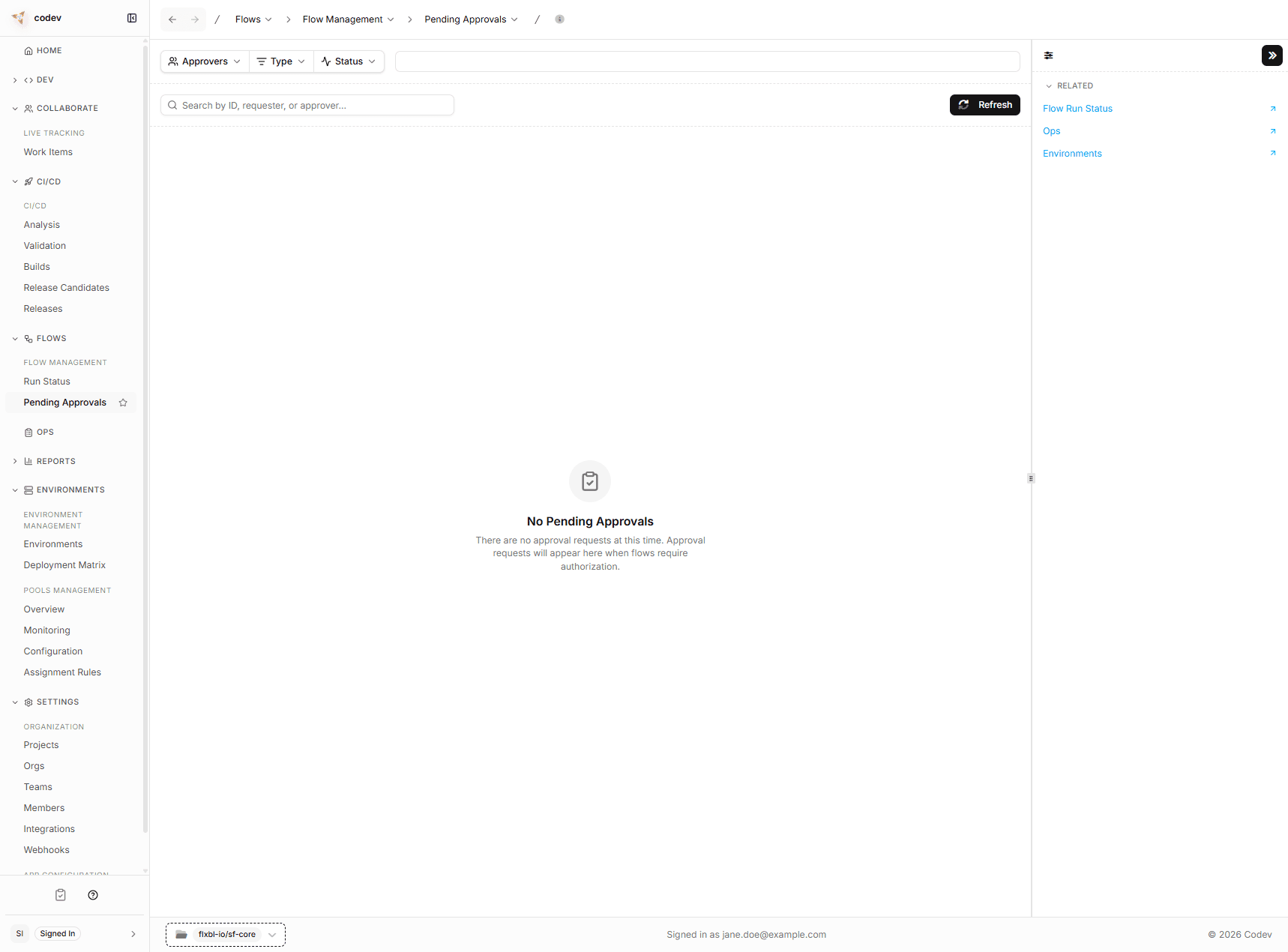
A pending approval surfaces in several places, all backed by the same list:
- Pending Approvals page (Workflows > Pending Approvals) — the full list of requests, with the requester, the approvers, when it was requested, when it expires, the linked work item, and its status. This is where you review and resolve requests.
- My Approvals — a ClipboardCheck item in the sidebar with a count badge for requests you can act on. It opens a popover that lists your pending requests with inline Approve and Reject buttons.
- Home — a Pending approvals panel and widget show a count and the oldest waiting requests, and link through to the full list.
When a request is driven from a source control issue, pull request, or work item, codev also posts a notification in that thread and mentions the people who can approve it.
Approving or rejecting
On the Pending Approvals page (or the My Approvals popover), each request you are authorized to resolve shows an Approve and a Reject action:
- Approve — codev resumes the action. For a release, it locks the target environment, deploys, and unlocks it; the release then appears on the Releases page.
- Reject — codev cancels the action. A release candidate that was rejected stays available for a future attempt.
If you are not one of the request's approvers, the actions are hidden and the row shows a dash. The actions are also disabled once a request is no longer pending.
Approving from the source thread
When a release is driven from a source control issue or work item, approvers can respond in the thread instead of opening codev:
/codev approve
/codev reject --reason "Change freeze until Monday"
/codev approve without a target approves the next pending environment. To approve a specific environment, name it: /codev approve production.
Who can approve
By default, the owners of a project are the approvers. A project can also name explicit approvers per environment — see Configuring approval gates. Only a request's approvers can resolve it, whether they act in codev or in the source thread.
By default the person who requested a release can also approve it. To require that the requester and the approver are different people, enable segregation of duties — see Separation of duties.
Expiry
A request that nobody resolves expires and does not run. The default window is 60 hours; a project can set its own timeout (up to 168 hours). ServiceNow gates use their own, longer window. Once a request has expired, the action is abandoned — request it again to retry.
Audit trail
Every approval request and decision is recorded in an append-only audit trail: who requested, who approved or rejected, when, and for which release candidate and environment. Records cannot be edited or deleted after the fact, and ServiceNow change-request decisions are recorded in the same trail. You review and export it under Settings > Audit — see Audit trail.
Related
- Configuring approval gates — which environments require approval, who approves, timeout, and separation of duties
- ServiceNow release gating — gate a release on a ServiceNow change request
- Audit trail — the record of every approval decision
- Workflows — tracking runs and the Pending Approvals page
- Rolling back a release — an action that pauses at an approval gate
Sync
Sync deploys a pull request's state to an environment on demand, from a comment on the PR — without waiting for a merge, build, and release.
Configuring approval gates
Decide which environments require approval, who may approve, how long a request waits, and whether the requester and approver must differ.