ServiceNow release gating
Hold a release until its ServiceNow change request is approved, per environment.
Once ServiceNow is connected and change requests are set up, you can gate a release on one: codev opens a change request for the release and does not deploy to a gated environment until that change request is approved in ServiceNow.
This complements the human approval gate — an environment can require a person to approve in codev, a ServiceNow change request to be approved, or both.
Turn the gate on
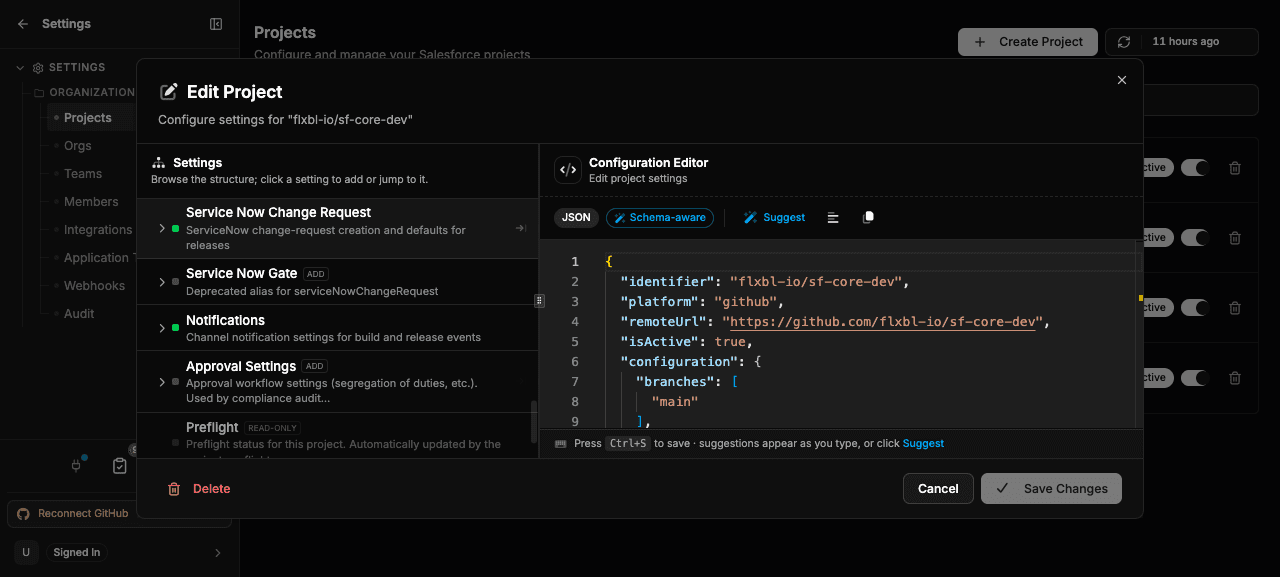
A ServiceNow connection on its own does nothing until you gate an environment on it. In your project configuration, add servicenow to the environment's gates:
{
  "releaseApprovalGates": {
    "environments": {
      "production":  { "gates": ["servicenow"] },
      "preproduction": { "gates": ["human", "servicenow"] }
    }
  }
}["servicenow"]— the release to that environment waits only on the ServiceNow change request.["human", "servicenow"]— the release waits on both a person approving in codev and the change request being approved.
Environments you do not list keep the default human approval and are not gated on ServiceNow.
Change requests and gates are separate
codev treats two things independently:
- A change request is a record of the release in ServiceNow.
- A gate makes the release wait for that change request's approval before deploying.
You can have either without the other:
| You want to… | Set | Change request | Release waits? |
|---|---|---|---|
| Record releases in ServiceNow, without blocking | serviceNowChangeRequest.enabled: true (no servicenow gate) | Opened for the release | No |
| Block a release until the change request is approved | gates: ["servicenow"] on the environment | Opened for the release | Yes — that environment waits |
| Both — record everything, block the sensitive environments | Gate the environments that must wait, and set enabled: true | Opened, covering every target environment | Only the gated environments wait |
A ServiceNow gate always opens a change request — you do not also need enabled for a gated environment. enabled is what adds a change request for releases and environments that are not gated, purely for traceability. See how change requests are created for the serviceNowChangeRequest settings.
One change request covers the whole release. With enabled on, that single change request represents every target environment, while only the ServiceNow-gated ones actually wait for its approval — so you can record the full release in ServiceNow and still block just production.
What happens during a release
When you request a release that includes a ServiceNow-gated environment:
- codev opens one change request for the release, before any environment is deployed. Its description lists the packages changing in this release — each package, its previous and new version, and the linked work items.
- The change request number and link are posted back to the release's source thread.
- Each ServiceNow-gated environment waits for the change request to be approved. codev re-checks the change request on the poll interval until it reaches a decision.
- On approval, the release proceeds to that environment. An environment gated on
["human", "servicenow"]still requires its human approval as well. - On rejection, cancellation, or timeout, the release is blocked for that environment — nothing is deployed. If codev cannot reach ServiceNow to read the state, the gate fails closed: the release is blocked rather than allowed through unverified.
Environments that are not gated on ServiceNow are not held by the change request.
Retrying a release whose change request is already approved keeps that approval — codev does not reopen the change request or wait on CAB again for the same release. A rejected, cancelled, or timed-out gate is still renewed on the next request.
Every open, approval, rejection, and timeout is written to the audit trail, attributed to the ServiceNow gate.
Related
- Change requests — connect ServiceNow and control how change requests are created
- Approvals — where approvals appear and how the human gate works
- Configuring approval gates — the
gateslist and human approvers - Audit trail — the record of every gate decision