One card, several people
How a Workfloor card's assignee, other members and Flux share one card, from reassigning it and messaging Flux together to the handoff log a card carries between stages.
A card has one assignee, but it is rarely one person's work alone. A colleague reviews the plan, someone else answers a question while the assignee is away, and the next stage's agent reads what the last one handed over. This page covers how they share a card.
The assignee
The assignee owns the card. New task, Dispatch in Mission Control and a mission's Add work call this person the Workfloor Foreman, and every task needs one.
The assignee matters in three ways:
- Flux's questions are put to them. The card is on their Needs me view and their Briefing until it is answered.
- GitHub sees them. When the project is connected through Workfloor's GitHub App, the card's agent pushes and opens pull requests with the assignee's linked GitHub account, and its commits name the assignee as the author. A card with no assignee acts as Workfloor's App.
- Some controls are theirs. Steering the card's agent, changing its settings and restarting it after a failure are for the assignee or a project admin.
If the assignee's GitHub link stops working, or they can no longer push to the repository, the card says it is waiting on them by name. It does not fall back to another account.
Reassigning a card
To change the assignee, use Assign to… in the card's menu, or select the avatar on its board card. The picker lists the project's people, with Assign to me first and Unassigned at the end. You can also ask Flux to assign a card, and confirm in the chat.
Any member of the project can reassign a team card. The new assignee must be a member of the project.
When the assignee changes:
- Flux's open questions move to the new assignee. If the card has a Slack thread, the question is posted there again and mentions them.
- A Slack message the old assignee had about a question is updated to say it no longer waits on them.
- The card's next push to GitHub uses the new assignee's account.
Talking to Flux together
Every member of the project can message Flux on a team card, not only the assignee. Flux sees each message with the sender's name, so it knows whose words it is reading.
When Flux is working, your message waits in a queue under the message box:
- A person's message goes into Flux's running turn at its next step. Flux reads it between tool calls, without stopping its work.
- When several people's messages are waiting, Flux gets them together, in one message, with people's words ahead of anything automated.
- Send now interrupts the current turn so your message goes at once.
- You can change or remove a message of yours while it waits. Other people's queued messages are theirs.
Stop run stops Flux's current turn. Use it when the turn should not finish, not to get a message in faster.
Answering Flux's questions
Flux puts each question to the assignee, but anyone in the project can answer it. This keeps a card moving when its assignee is away. The answer goes to Flux and shows on the card for everyone.
Two kinds of question are narrower:
- A stage that asks a question as part of the lane (an ask stage) waits for the assignee alone.
- A step that waits for your go, such as a write to an org during support triage, is answered only on the card in Workfloor, never from Slack.
Seeing who else is on a card
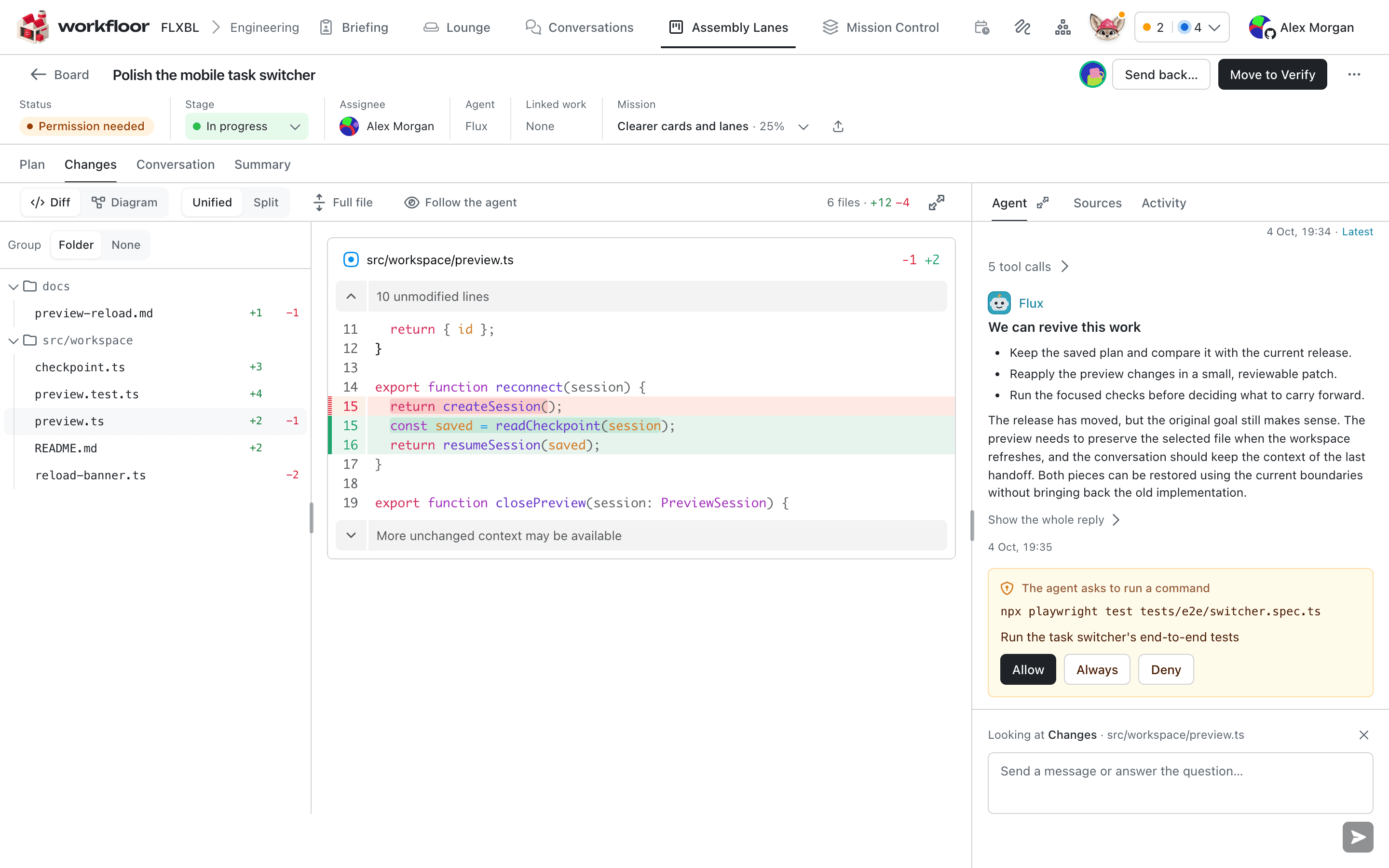
When other people have the card open, their avatars appear beside the stage's actions, with up to three shown and a count for the rest. Hover over an avatar to see the name, for example "Sam Rivera is on this card". When someone opens the card while you are on it, their avatar appears.
A card that is open checks in at least every 30 seconds. Someone whose card has not checked in for two minutes drops off.
What happened, and who did it
A card keeps two records of the people on it.
- Activity, in the card's side panel, lists each move between stages and who made it: a person by name, Flux or Workfloor itself.
- Delivery, on the card's Summary tab, lists the people who acted on the card and what kind of action it was. People's time shows how long each person had the card in view, and how many of their actions were decisions, steering or repairs. It records when and what kind, never what anyone wrote.
Handing over between stages
Each time a card enters a stage, it starts a handoff log for that stage. It is a short list of notes for whoever works on the card next, person or agent. A note cannot be changed once it is added. Each note shows its author: you, a colleague by name, Previous agent for the agent that worked the stage before, or Judge for a decision a judge made.
You add to the log in two places:
- Handoff note (optional) in the dialog when you move a card to another stage.
- Add to the handoff on the card, while it is in the stage.
Anyone who can move the card can add a note. When a card goes through an approval, the next stage's log records who approved it, for example "Approve plan to build: approved by Priya on moving it from Plan."
Next: Reviewing a plan together.
Who does what
How a Salesforce team shares a Workfloor project with its agents, with one owner for each card, many reviewers, shared notes and a clear view of what waits on whom.
Reviewing a plan together
How several people review Flux's plan for a Workfloor card, with shared comment threads, each reviewer's own colour, comments kept private until sent, and approvals that need more than one person.