Amazon Bedrock
Connect Claude models through Amazon Bedrock to power codev's AI features.
Amazon Bedrock serves Claude models through AWS. Connect it with an AWS region and a Bedrock API key — a fit for organizations already running on AWS.
Connect it
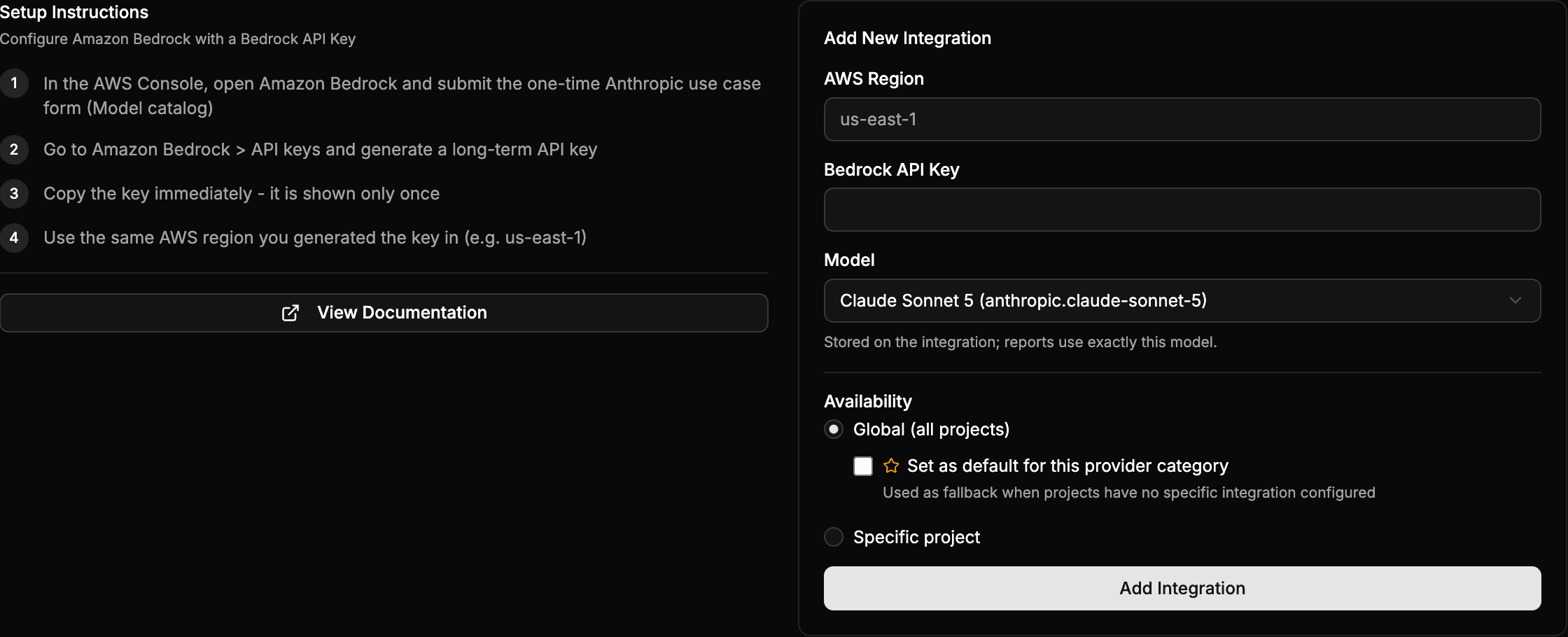
- In the AWS Console, open Amazon Bedrock and submit the one-time Anthropic use-case form (Model catalog), then go to Amazon Bedrock > API keys and generate a long-term API key. Copy it immediately — it is shown only once.
- Go to Settings > Organization > Integrations and open the Amazon Bedrock card.
- Enter the AWS Region you generated the key in (for example
us-east-1) and the Bedrock API Key, pick a Model (the default is Claude Sonnet 5), and set Availability to Global — optionally the default for AI — or a specific project. - Click Add Integration.
For default models and how to verify the provider with sfp ai test --provider amazon-bedrock, see Configuring LLM Providers.