Claude on Google Vertex
Connect Claude served through your own Google Cloud project (Vertex AI) to power codev's AI features.
Claude on Google Vertex serves Anthropic Claude models through your own Google Cloud project, so model traffic and billing stay inside your Google Cloud agreement. codev selects the Claude model for you — there is no model field.
Set up Google Cloud first
Vertex needs one-time setup in your Google Cloud project before you connect it:
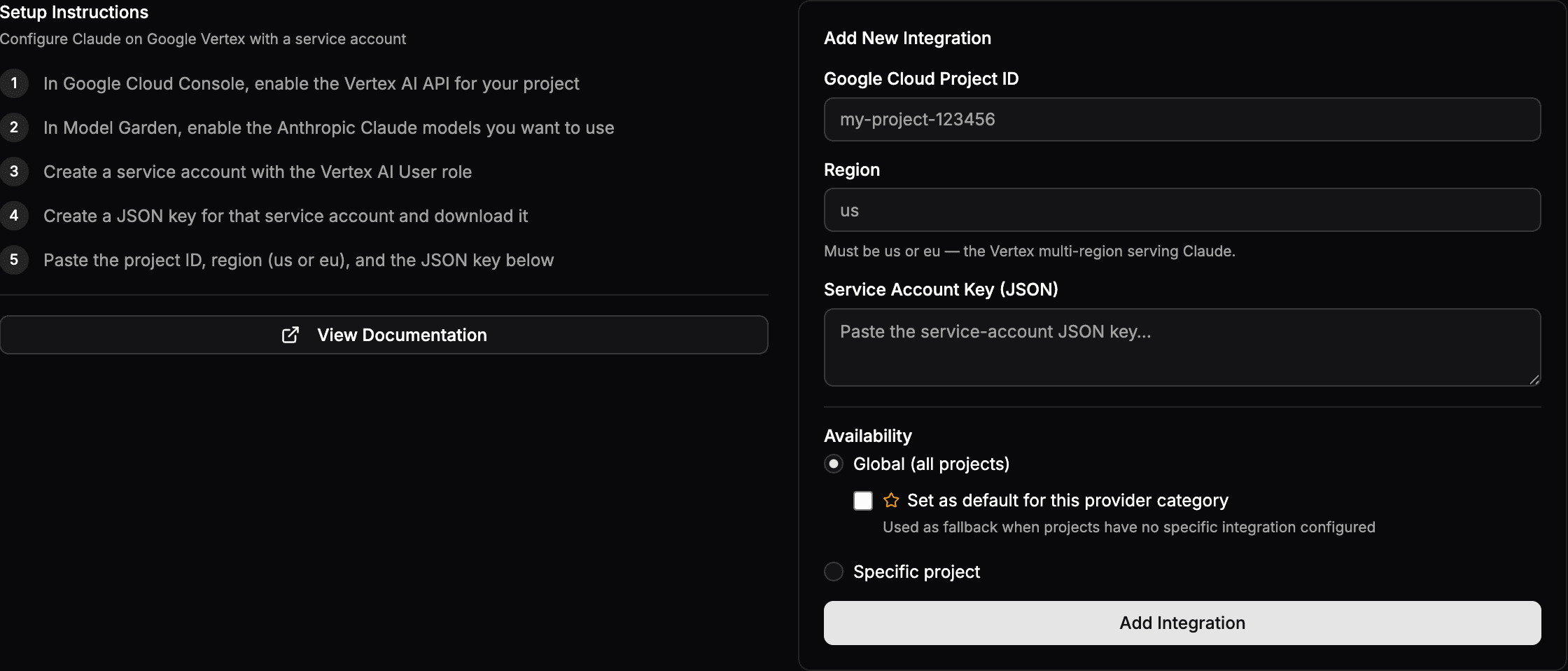
- In the Google Cloud Console, enable the Vertex AI API for your project.
- In Vertex AI > Model Garden, enable the Anthropic Claude models you want to use.
- Create a service account with the Vertex AI User role (
roles/aiplatform.user) and create a JSON key for it. - Confirm the project has quota for the Claude model — a new project starts at
0.
The full Google-side steps, including quota, are in Claude on Vertex AI.
Connect it
- Go to Settings > Organization > Integrations and open the Claude on Google Vertex card.
- Enter the Google Cloud Project ID, a Region (
usoreu), and paste the service-account JSON key. - Set Availability to Global — optionally the default for AI — or a specific project.
- Click Add Integration.
us or eu), and a service-account JSON key.