Branch protection and required checks
Require codev's PR validation check — and pull request review — before a branch can be merged, using your source provider's branch protection.
When codev validates a pull request, it posts the result back to the pull request as a check. On its own, that check is informational — codev reports the outcome, but it does not stop anyone from merging. The merge is gated by your source provider: you make codev's check (and, if you want, a review approval) required through branch protection, and the provider then blocks the merge until they pass.
This page shows how to require codev's validation check and a review before merge, on GitHub and on Azure DevOps.
The checks codev posts
On every validated pull request, codev posts:
| Check | What it means |
|---|---|
codev: PR Validation | The pull request was deployed to a review environment and its tests were run. Green means the change deployed and passed; red means it failed. See Change validation. |
codev: PR Analysis | The impact and (if enabled) AI analysis of the change. See Change analysis. |
The check you normally require before merge is codev: PR Validation.
A provider only offers a check as "required" after it has run at least once on the repository. Open one pull request and let codev validate it first — then codev: PR Validation will appear in the list of checks you can require.
GitHub
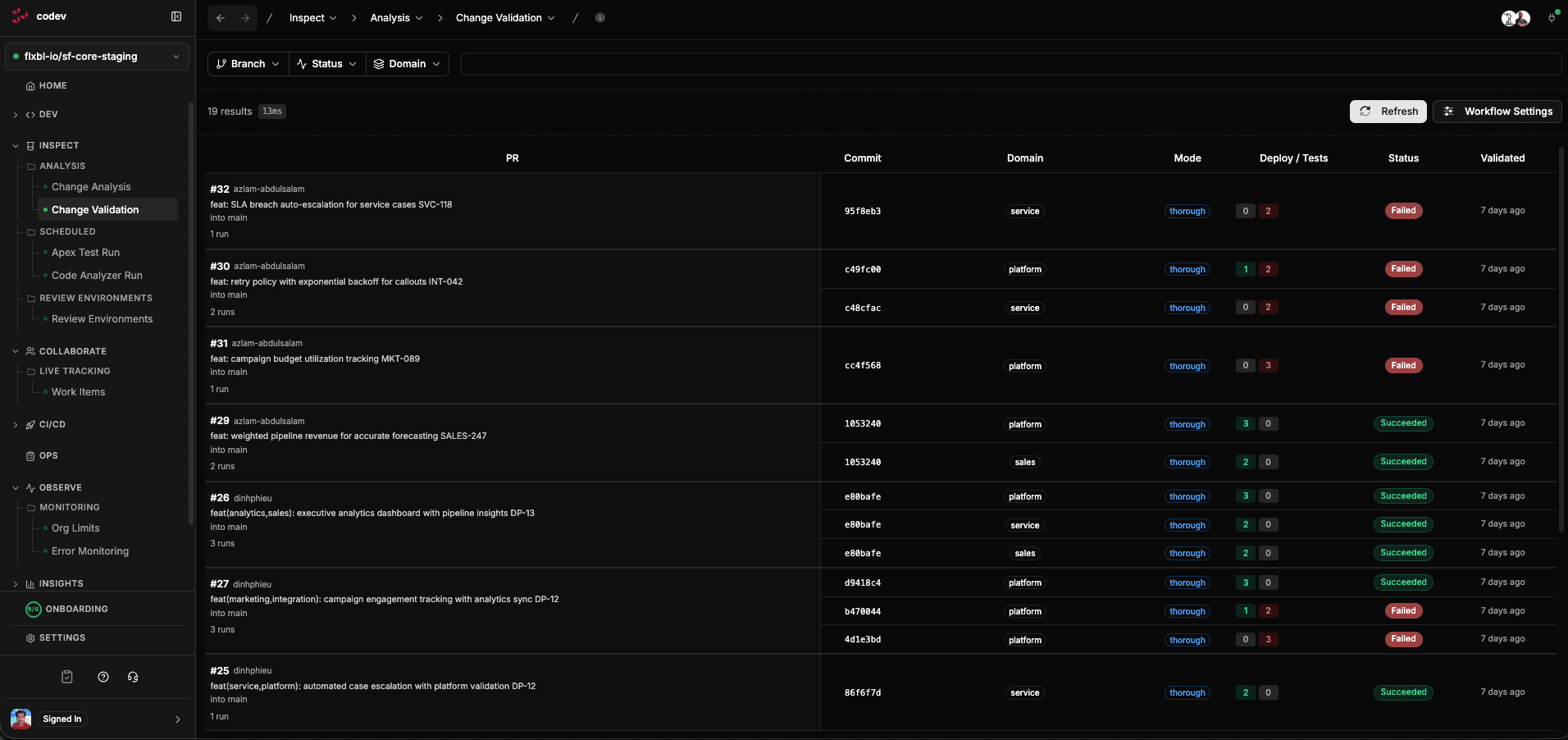
codev: PR Validation check — branch protection turns that check into a merge gate.In your repository on GitHub, go to Settings > Branches (or Settings > Rules > Rulesets) and add or edit a rule for the branch you protect — usually your default branch.
Require the validation check:
- Enable Require status checks to pass before merging.
- Search for and add
codev: PR Validation. - Optionally enable Require branches to be up to date before merging so the check always runs against the latest target.
Require a review (pull request approval):
- Enable Require a pull request before merging.
- Set Require approvals to the number of reviewers you want (for example 1).
With both in place, a pull request cannot be merged until codev: PR Validation is green and it has the required review approvals.
Azure DevOps
On Azure DevOps, the same validation result is posted as a pull request status under the sfp genre — you will see codev: PR Validation in the pull request's status list. You require it with a branch policy.
In Project settings > Repositories > (your repo) > Policies, on the protected branch:
Require the validation check:
- Under Status Checks, add a policy.
- Choose the status
codev: PR Validation(genresfp). If it isn't listed yet, let codev validate one pull request first so the status has been posted. - Set it to Required.
Require a review:
- Enable Require a minimum number of reviewers and set the count.
How it fits together
- codev runs the validation and reports the
codev: PR Validationcheck on the pull request. - Your provider's branch protection turns that check (and the review) into a merge gate.
- Each time codev re-validates — for example after a new commit — it updates the same check, so the gate reflects the latest result.
This keeps the decision where it belongs: codev proves the change deploys and passes, your reviewers approve it, and the branch cannot merge until both are satisfied.
Related
- Change validation — what the validation check runs and how to configure it
- Change analysis — the
codev: PR Analysischeck - Approvals — the deployment approval gates that apply after merge, when releasing
Configuring approval gates
Decide which environments require approval, who may approve, how long a request waits, and whether the requester and approver must differ.
Elevated access requests
Request temporary elevated Salesforce access for a user in a production org, gated by approval and restored automatically when the window ends.