Salesforce AutoPilot
What Salesforce AutoPilot is in Workfloor, which projects are offered it, and how it differs from Flux in planning, building and working against a Salesforce org.
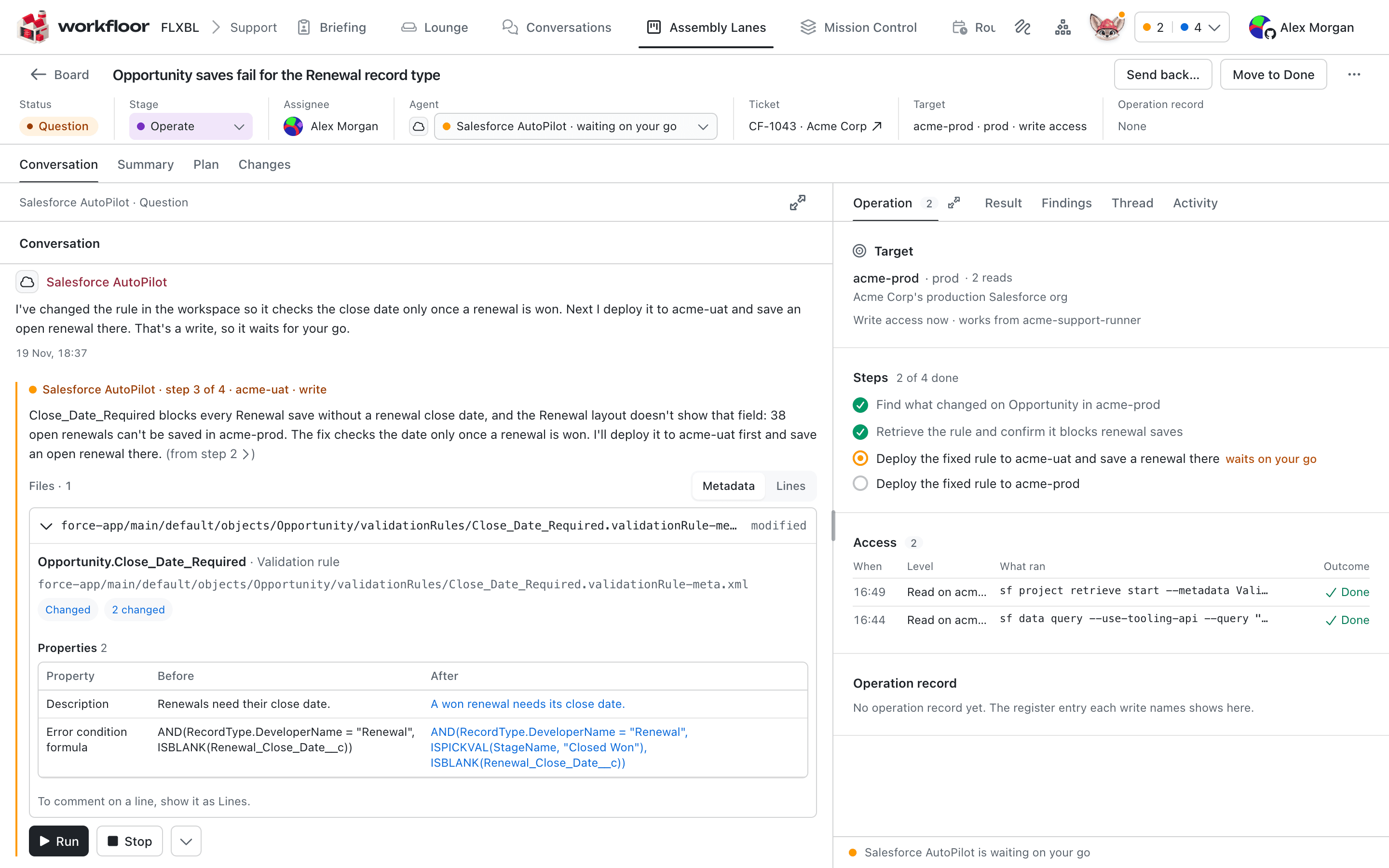
Salesforce AutoPilot is an agent for Salesforce changes. It reads the repository and a Salesforce org, plans against both, builds in the card's sandbox org, and delivers a pull request.
Who is offered it
Every project has Flux. A Salesforce project is also offered Salesforce AutoPilot. A project is a Salesforce project when one of its repositories has an sfdx-project.json at its root, or when a project admin sets Workbench to Salesforce on the project's General tab. Nothing is installed or granted per project.
How a lane uses it
In the lane editor, each stage of a lane names the agent that works on its cards (see Assembly lanes). For Salesforce AutoPilot, a stage chooses one of two profiles:
- Plan plans the change and stops. It only reads, with no builds, runs, publishing or edits to the workspace.
- Build plans a change, builds an approved plan, or carries out a direct instruction in the org.
A lane often uses Plan in one stage and Build in the next. When the card enters the Build stage, plan mode is turned off. The build works from the plan that people approved in the Plan stage, whether it carries on in the Plan stage's session or starts a new one.
The project's Agents tab holds AutoPilot's defaults: Publish (whether it opens a pull request, as a draft or ready for review), Execution (whether it changes the org through metadata, in the org's UI, or chooses), Source of truth and Production. A stage or a card can override any default except Production. Production is marked admins only by default, so only a project admin can set it. See Agents.
How it differs from Flux
Flux is a general-purpose agent. Salesforce AutoPilot is built for Salesforce metadata and orgs. The differences are in how it works.
- It works against an org as well as the repository. It reads the card's sandbox org, or a codev environment where a stage gives access, alongside the repository. Planning and building
- Its plan reconciles the repository with the org. Where the two differ, the Source of truth setting says which one the plan treats as authoritative, and the plan carries the evidence it read. Planning and building
- Plan and build are separate profiles, and it has its own plan mode. The Plan profile only reads, and the Build profile builds the plan that people approved. Planning and building
- A build checks before it deploys. It captures the org's current state for the components in the plan, deploys to the card's sandbox, runs development tests, and compares the saved source with what it deployed before it opens a pull request. Planning and building
- Deletions, field access and Apex coverage are part of the change. A deletion lists what still references the component and travels with the package. A new field's access is planned and read back. A coverage failure is fixed in the tests. Planning and building
- UI-only work becomes manual steps. Work it does in the browser is not captured in metadata, so it leaves a runbook. Where the project has a codev server, the runbook is posted on the pull request. Planning and building
- In support triage it is the only agent that can use a codev target. Workfloor refuses any other agent or command on a codev environment. AutoPilot in support triage
- A project's admins hold a production safeguard for it. Production is Refuse until an admin sets Allow. It is marked admins only by default, so no stage or card can change it. AutoPilot in support triage
| Flux | Salesforce AutoPilot | |
|---|---|---|
| Offered to | Every project | Salesforce projects |
| Works against | The repository and what the stage gives it | The repository and a Salesforce org |
| Plan stage | Writes a plan | Writes a plan reconciled with the org, with its evidence |
| Stage profiles | Plan, Build, Verify, Review and others | Plan and Build |
| Reaches a codev target | No | Yes, through its org grant |
More of what it does
Some of these are not on a Workfloor card yet, as marked.
- Production risk evaluation classifies the risk of browser steps in an org that is not a verified sandbox, and stops until someone accepts anything but low risk. Not on a card yet. Production risk evaluation
- Investigating with the Setup Audit Trail checks stated changes against Salesforce's own record. On a card, only the check after a browser change is available. Investigating with the Setup Audit Trail
- Browser steps and recipes carry out work that has no metadata API, during a build or a run on a card. Browser steps, runbooks and recipes
- Retrieving a build's source exports it into another checkout. Not on a card yet. Retrieving a build's source
- Repository context works out which package owns each component. On a card, ownership and the tracked branch are available, and the production reference is not. Repository context
What it does not do yet
- A build always works in the card's own sandbox org. It never builds against a codev environment, and a plan made against one is not built.
- A finished build records that the change deployed and its tests ran. It does not claim that business acceptance testing passed.
- Its plan mode refuses commands by matching them. It is not a sandbox, and an unusual command can get through.
- Browser steps need a browser where the card runs.
- Production risk evaluation, investigating with the Setup Audit Trail on request, retrieving a build's source and a production reference are not reachable from a card.
Knowing what needs you
How Workfloor tells each person on a team what waits on them, through the Needs me view, the Briefing, Slack messages and the board's Inbox, and how a private conversation with Flux becomes team work.
How AutoPilot plans and builds a change
How Salesforce AutoPilot in Workfloor plans a Salesforce change against a repository and an org, works on the plan with you, then builds, tests and delivers it as a pull request.